Appointment services
Customers book a time. You confirm with a YES.
For barber shops, salons, garages, clinics and tutoring: no queues, no notebooks, and the invoice at the end of the service.
Start with bookings- 1
The customer books
On your business page they choose the service, who with, the day and a free time. They leave their name and phone number. They pay nothing.
- 2
The time is held for you
Until you reply, nobody else can book that time. If you don't reply in time, the customer gets an SMS to choose another.
- 3
Confirm with a YES
The request reaches the console, and the store's WhatsApp if connected. Confirm or decline there, or reply YES with the code. The customer gets the answer.
- 4
Pay at the end
Once the service is done, close the booking: cash, transfer, Multicaixa Express or card terminal. The invoice-receipt goes out, or the receipt if you don't invoice yet.
Each person, their own diary
Add your team: the customer chooses who with, or «Anyone» and Abreno books whoever is free and least busy.
The car, for garages
The make, model and number plate come with the booking, along with what is wrong with the car.
What to bring
Each service can say what to bring: the health card, the course book.
Prices as they are
A price, «from», or a range for what can only be known after a look.
Three themes designed for appointment businesses
Choose one when you create your account and change it whenever you like, in the console.
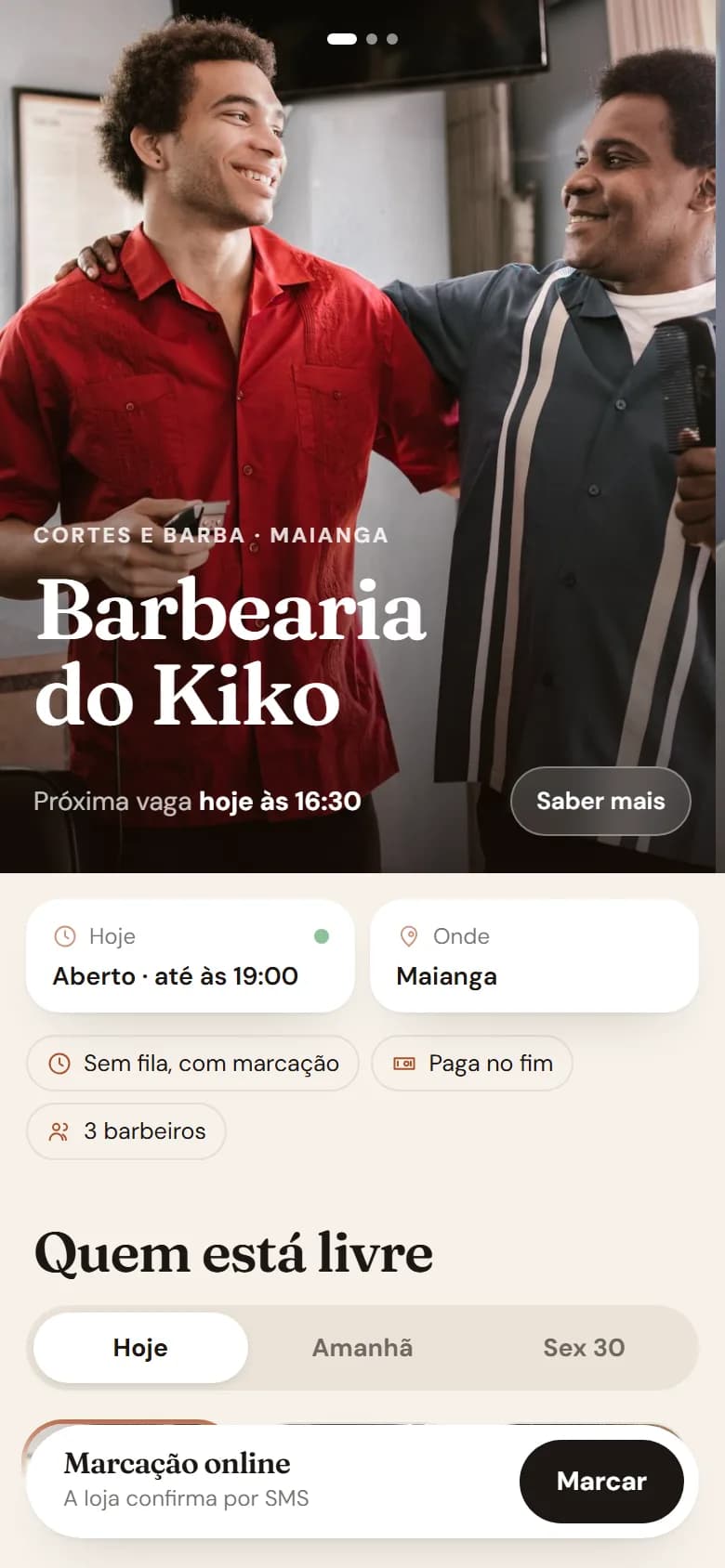
Tesoura
Barber shop and salon: the work in big photos, the team in portraits and each one's free slots in view, to book with one tap.
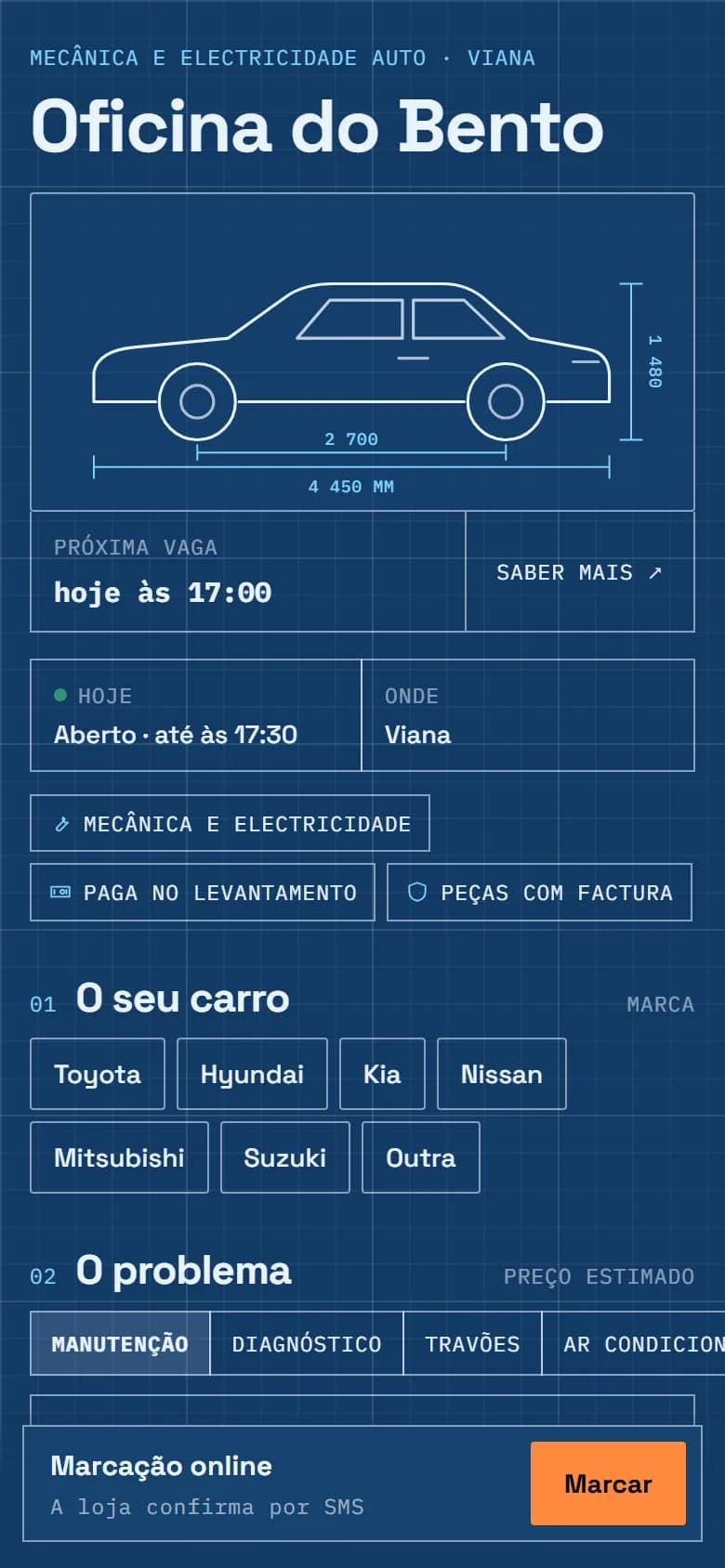
Oficina
Garage and repairs: a blueprint with the car in white lines; the customer gives the car, picks the service and sees the estimated price.

Sereno
Clinic, practice, tutoring: a calm waiting room in pastel tones; first who is seeing people and the next free slot, then the services with what to bring.
The plans
Bookings are part of the Pro and XL plans: your page in one of the themes, the team with a diary per person, and the invoice or receipt at the end of each service.
See prices →